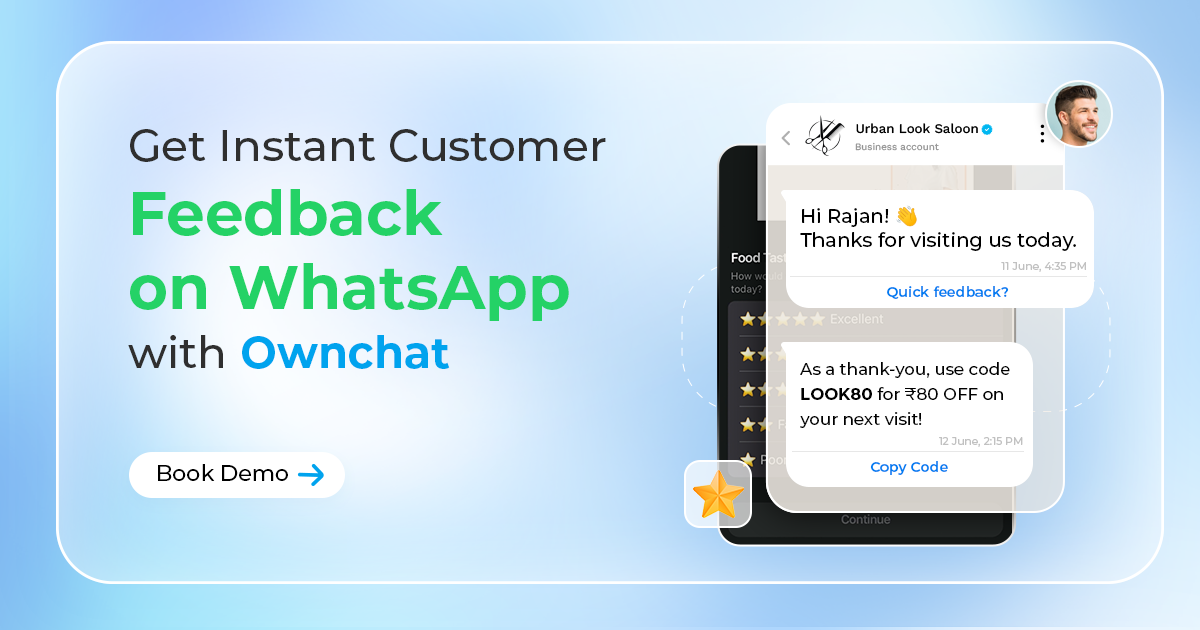
But let's face it, getting that feedback can be tough. Email surveys often get lost in crowded inboxes, and comment cards can feel outdated. How do you capture insights while the experience is still fresh in your customer's mind?
The answer lies in the app they already use daily: WhatsApp. With its incredible open rates (often exceeding 90%!) and instant nature, WhatsApp is the perfect channel for collecting timely feedback. And with Ownchat, you can automate the entire process, making it effortless for both you and your customers.
Why WhatsApp is a Game-Changer for Restaurant Feedback
It allows customers to share honest thoughts, including potential issues, directly with you before they might post a negative review publicly.- Unbeatable Engagement: Messages sent via WhatsApp are far more likely to be seen and read compared to email or SMS.
- Timeliness: Request feedback immediately after a meal or delivery, capturing impressions while they're most accurate.
- Convenience: Customers can respond with a quick tap or message directly within the app they already have open.
- Private Channel: It allows customers to share honest thoughts, including potential issues, directly with you before they might post a negative review publicly.
How Ownchat Automates Your Feedback Loop
Ownchat transforms WhatsApp feedback from a manual chore into a streamlined, automated process. Here’s how it empowers your restaurant:2. Simple Survey Formats: Keep it easy for customers. Ownchat can facilitate sending simple surveys like:
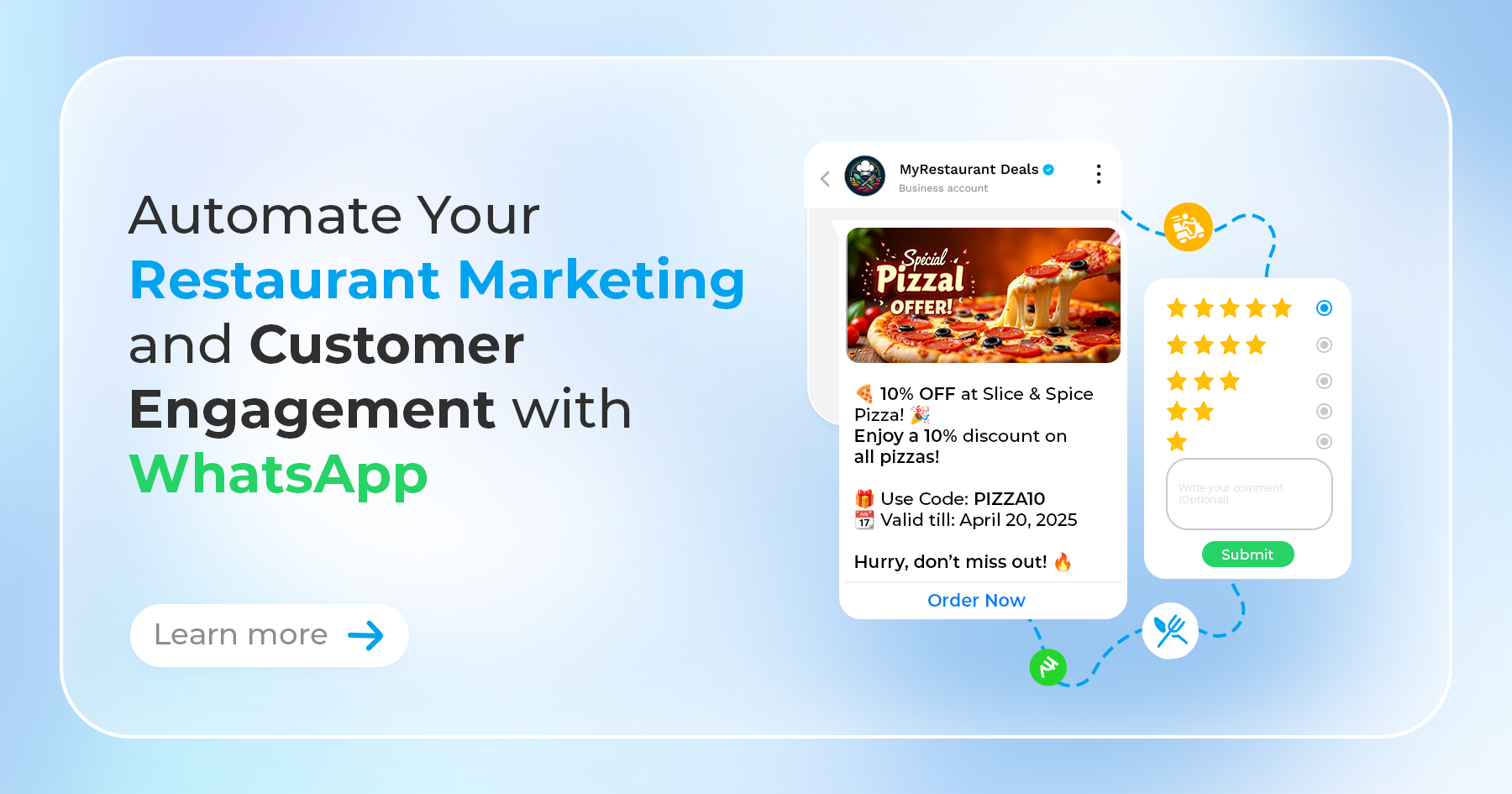
- Rating Scales: "How would you rate your experience today (1-5)?"
- Net Promoter Score (NPS): "How likely are you to recommend us to a friend (0-10)?"
- Quick Questions: "What did you enjoy most about your meal?" or "How was the delivery speed?"
Setting Up Your Automated WhatsApp Surveys with Ownchat (Conceptual Steps)
While the exact interface may vary, setting up automated feedback in Ownchat generally involves:
- Defining Your Goal: What do you want to learn? Overall satisfaction? Feedback on a new dish? Delivery experience? Knowing your objective helps tailor the questions.
- Crafting Your Message: Create clear, concise, and friendly message templates for your feedback requests. Personalization (like using the customer's name) can boost response rates.
- Configuring Automation: Use Ownchat's tools to set the triggers (e.g., post-payment, post-delivery) and timing for sending the survey request.
- Integrating (Optional but Powerful): Connect Ownchat with your POS (like Petpooja) or CRM. This allows you to link feedback directly to specific orders or customer profiles, providing valuable context.
Turning Feedback into Action with Ownchat
Collecting feedback is just the first step. Ownchat helps you make it actionable:Real-Time Alerts: Potentially configure alerts for low ratings or negative keywords, allowing managers to quickly address issues and perform service recovery, turning a potentially negative experience around.
Contextual Insights: By linking feedback to POS data (if integrated), you can see which order or which customer provided the feedback, making it easier to understand and address specific comments.
Identify Trends: Analyze aggregated feedback over time within Ownchat to spot patterns. Are delivery times consistently praised? Is a particular dish receiving mixed reviews? Use these insights to make informed decisions about menu changes, staff training, or operational adjustments.
Start Listening Better, Today
Stop guessing what your customers think and start knowing. Implementing automated WhatsApp feedback surveys with Ownchat provides a direct, convenient, and highly effective way to gather crucial insights. Improve your service, enhance customer satisfaction, manage your reputation proactively, and make data-driven decisions to grow your restaurant.
Ready to unlock the power of customer feedback? Explore Ownchat and start building your automated WhatsApp survey system