If you run a service-based business—like a salon, spa, clinic, or tutoring center—you already know the pain of missed appointments and delayed payments. You block time for a customer, prepare resources, and staff, and yet, sometimes, the customer doesn’t show up—or shows up but forgets to pay.
Traditional email or SMS reminders often go unnoticed. Emails get buried, and SMS feels impersonal or is ignored. Meanwhile, your schedule suffers, revenue drops, and staff frustration increases.
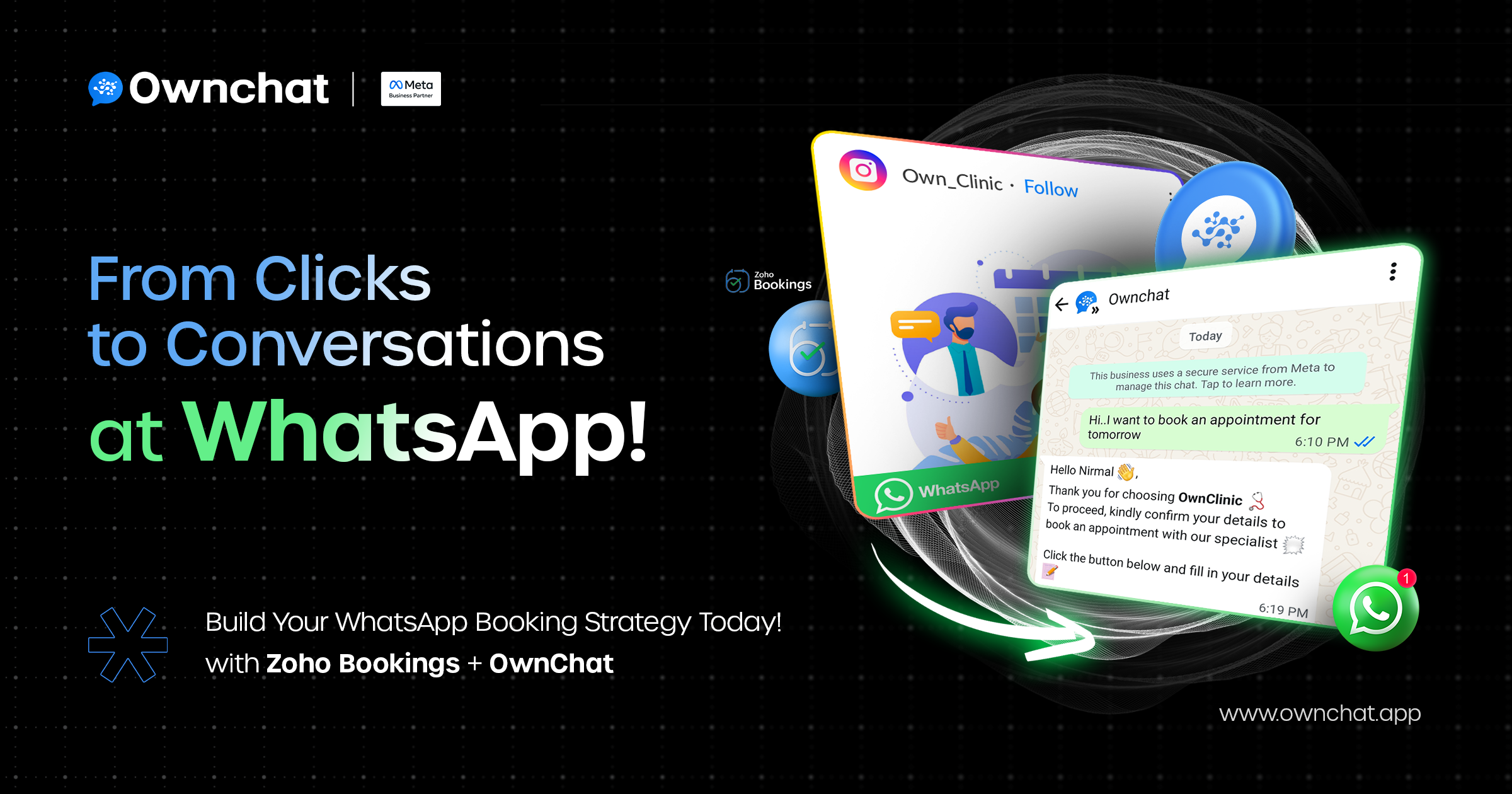
Here’s the good news: your customers live on WhatsApp. It’s where they chat, share updates, and increasingly expect to interact with businesses. Imagine if they could book, confirm, and even pay for services directly inside WhatsApp—no back-and-forth calls, no manual follow-ups.
In this guide, we’ll show you exactly how to integrate Zoho Bookings with OwnChat, so you can automate appointments, show real-time availability, and collect payments seamlessly—all without writing a single line of code.

Step 1: Connect Zoho Bookings to OwnChat
The first step is linking your Zoho Bookings account with OwnChat. This integration ensures that your services, schedules, and availability are synced directly with WhatsApp.
✅Log in to OwnChat and go to the Dashboard.
✅Navigate to Apps→ Zoho Bookings.
✅Authenticate your Zoho account securely using your login credentials.
✅Once connected, OwnChat automatically syncs all your services, employees, and available time slots.

✅ In less than two minutes, your booking system and WhatsApp are talking to each other.
Pro Tip: Before linking, make sure your Zoho Bookings services, durations, and timings are up to date. This avoids conflicts or double bookings later.

Step 2: Build Your First “Booking Bot”
Now comes the exciting part: creating your Booking Bot inside OwnChat’s WhatsApp Flow Builder. A bot automates communication with your customers—sending confirmations, reminders, and payment links without manual intervention.
Here’s how to get started:
✅ Open WhatsApp Flow Builder from your OwnChat dashboard.
✅ Create a simple path, like an automated menu:
🔹Check Availability → fetches slots from Zoho Bookings.
🔹Book a Slot → confirms the appointment.

✅Add automated messages so the chat feels interactive, not robotic. For example:
“Hi Sarah! Here are the available slots for your haircut. Which one works best for you?”
💡 Example: A salon owner could create flows like:
🔹Haircut Appointment
🔹Hair Coloring
🔹Spa Session
🔹Facial or Skincare Treatment
These flows can be built in just a few minutes—no coding required.
📸 [Insert GIF: Booking Bot flow creation]
Why it matters:
🔹Reduces the back-and-forth messages
🔹Ensures appointments are confirmed instantly
🔹Improves customer engagement
Step 3: Show Real-Time Availability
One of the most powerful features of this integration is real-time availability updates.
When a customer taps “Check Availability” inside WhatsApp:
🔹OwnChat calls the Zoho Bookings API and instantly pulls all open slots.
🔹Customers see the available times immediately and select their preferred slot.
🔹Once a slot is selected, it is locked in Zoho Bookings, preventing double bookings.
Think of it as having a 24/7 virtual receptionist inside WhatsApp.
Example Scenario:
A dental clinic has a patient booking a checkup. The patient sees the dentist’s availability in real-time, selects a time, and the slot is automatically reserved. No manual updates or confirmation emails needed.
Pro Tip: Encourage your customers to select their slots quickly by highlighting limited availability—this increases booking completion rates.
Step 4: Collect Payments in WhatsApp
Why stop at booking? With OwnChat, you can also collect deposits or full payments directly inside WhatsApp.
Steps to set up payments:
✅ Add a “Collect Payment” step in your WhatsApp flow.
✅ Connect your preferred payment gateway (Razorpay, Stripe, etc.).
✅ Send customers a secure payment link within the chat.
Benefits:
🔹Customers pay instantly—no chasing invoices.
🔹Reduce no-shows by requiring a deposit or full payment upfront.
🔹Streamline cash flow and financial planning.
Example:
A spa session costs ₹500. The customer can pay a ₹200 deposit directly in WhatsApp when booking. The payment confirms the appointment automatically.
📸 [Insert GIF: Payment confirmation inside WhatsApp]

Why This Integration Matters
Combining Zoho Bookings and OwnChat solves the common headaches of service businesses:
➡️Eliminate missed appointments: Automated WhatsApp confirmations and reminders make no-shows rare.
➡️Secure payments upfront: Stop chasing payments and reduce cancellations.
➡️Seamless customer experience: Customers book in the app they already use daily.
➡️Less manual work: Staff focus on delivering services, not chasing confirmations.
It’s like putting your booking system on autopilot, with WhatsApp doing the heavy lifting.
Final Thoughts
Integrating Zoho Bookings with OwnChat is a no-code, step-by-step process that any business owner can set up in under an hour. Once implemented:
➡️Missed appointments become a thing of the past.
➡️Payment delays are minimized.
➡️Double bookings are prevented.
👉 Ready to try it? Log in to OwnChat today, build your first WhatsApp Booking Bot, and give your customers the convenience of booking and paying in one place.