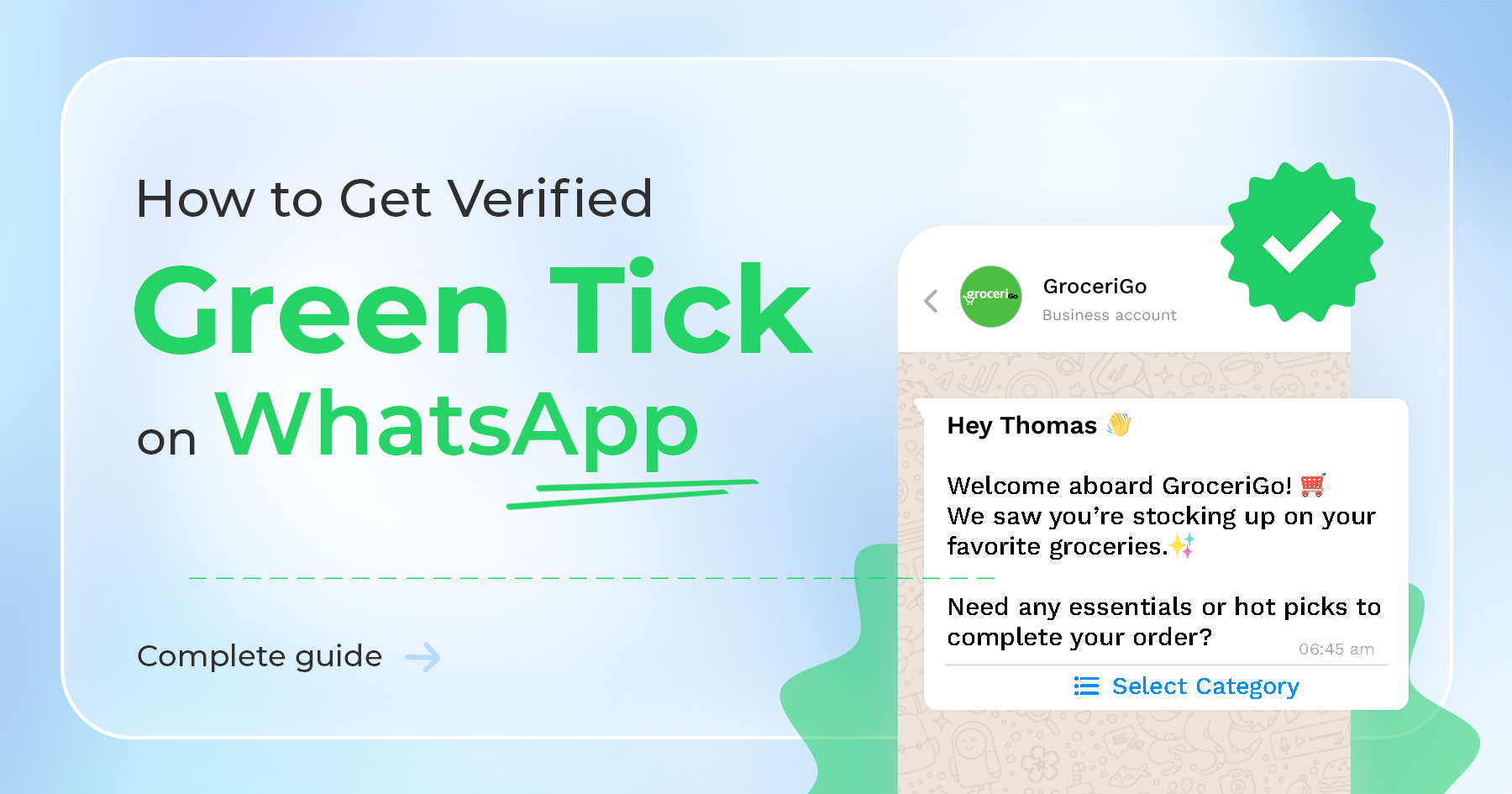
Whatsapp offers a green tick verification to protect users from spam and fraud on its platform. To obtain this verification, businesses must go through a strict verification process, and they must have access to the Whatsapp business API, not just the Whatsapp business app. The Whatsapp Business API provides more features than the basic business app, making it a valuable tool for businesses looking to communicate with customers through Whatsapp. By using the Whatsapp business API and obtaining the green tick verification, businesses can assure customers that their account is safe and trustworthy.
Benefits of a Green Tick Verified Badge in Whatsapp Business Account?
The green tick verification on Whatsapp allows customers to easily identify and trust a business.
By showcasing your products on Whatsapp, you can attract potential customers who are more likely to place an order because of the verified green tick. This verification also helps customers identify your brand without having to save your business number.
This increased level of trust can reduce the block rate of your business on Whatsapp, resulting in more successful interactions with customers.
Overall, the Whatsapp green tick verification can help businesses build a stronger presence and reputation on the platform.
Difference between Whatsapp Business API and Green Tick Whatsapp Business API
Whatsapp business API:
When a business account on Whatsapp has just WhatsApp Business API, it will be displayed as a number to users who have not saved the account's contact information.
Green Tick Verified Whatsapp Business API Account:
- The Whatsapp business verified badge allows businesses to display their name even to users who have not saved their contact information. Ex: Flipkart
- This feature can increase open rates and ordering rates for businesses.
- By displaying the Business name, users are more likely to recognize and Trust the Account, even if they have not previously saved its contact information.
- Overall, the green tick verification and display of the business name on Whatsapp can help businesses establish a stronger presence and reputation on the platform, leading to increased customer engagement and sales.
How to apply for Green Tick Verification:
Get Whatsapp API access:
The first step to obtaining the green tick verification on Whatsapp is to set up a Whatsapp Business API account. This can be done by going through an authorized API provider, such as Ownchat.
Ownchat can help businesses obtain access to the Whatsapp Business API, which is required to obtain the green tick verification? This API offers additional features beyond the basic Whatsapp Business app, such as no-code chatbots, automation, and integration with other business tools.
Certain companies are restricted from applying for green tick verification on Whatsapp
- Drugs
- Tobacco Items
- Gambling Businesses
- Alcohol Brands
- Weapons & Ammunition Businesses
- Live Animals
- Adult Product/Services
- Medical & Healthcare Products
- Dating Services
- Cryptocurrencies
Check https://www.whatsapp.com/legal/commerce-policy/ for more details.
Starting Whatsapp campaigns:
To improve your chances of obtaining the green badge verification on Whatsapp, it's recommended to send more than 1000 business-initiated messages per day.
Apply for Green Tick with API provider.
Your API provider can guide you through the process of applying for and obtaining certification for the green tick verification on Whatsapp, which typically takes anywhere from 2 days to several weeks. The verification process can be made smoother by maintaining high levels of engagement with your customers, as measured by metrics such as opt-ins, open rates, and lack of customer blocking or reporting. Maintaining a high level of quality in your interactions with customers, particularly through high open rates and low blocking, can also increase your chances of obtaining verification.
Check the below link for more details.
https://developers.facebook.com/docs/whatsapp/messaging-limits
Eligibility criteria to get a Green Tick on Whatsapp:
- Only businesses can apply for green tick verification on Whatsapp, not influencers.
- A Whatsapp business API account is required to apply for verification.
- Having a high or medium quality rate in terms of engagement and customer interaction can increase the likelihood of obtaining certification.
- Well-known brands may have an easier time obtaining certification due to their established reputation and recognition.
- Check the link for more details
What to do if Green Tick Verification got rejected?
If a business is not approved for Green Tick Verification on Whatsapp, it can reapply for certification after 30 days. This gives them an opportunity to address any issues or areas for improvement and try again with a stronger application.
While having a Green Tick Verification can certainly be beneficial for businesses on Whatsapp, it's not a requirement for survival.
Businesses can still offer their full range of facilities and services to customers even without the verified account and business name, as long as they maintain strong Communication and Engagement with their Customers.
Contact Ownchat.app for Setting Up Your Whatsapp Business API right Now.