In today’s fast-paced digital landscape, businesses must keep pace with the platforms their customers love. With over 2 billion users worldwide, WhatsApp isn’t just a messaging app—it’s a powerhouse for business communication and marketing. This guide is your roadmap to mastering WhatsApp marketing, helping you connect with customers, drive sales, and cultivate strong, lasting relationships.
Understanding the Power of WhatsApp for Business
WhatsApp’s massive reach and user engagement make it an indispensable tool for businesses of all sizes. Unlike traditional marketing channels, WhatsApp offers a personal touch, allowing businesses to connect directly with customers on their mobile devices—where they spend most of their time. Whether you're running a startup or managing a well-established enterprise, WhatsApp's features—like broadcast lists, chatbots, and automated messaging—can revolutionize your communication strategy, making it more efficient and personalized.
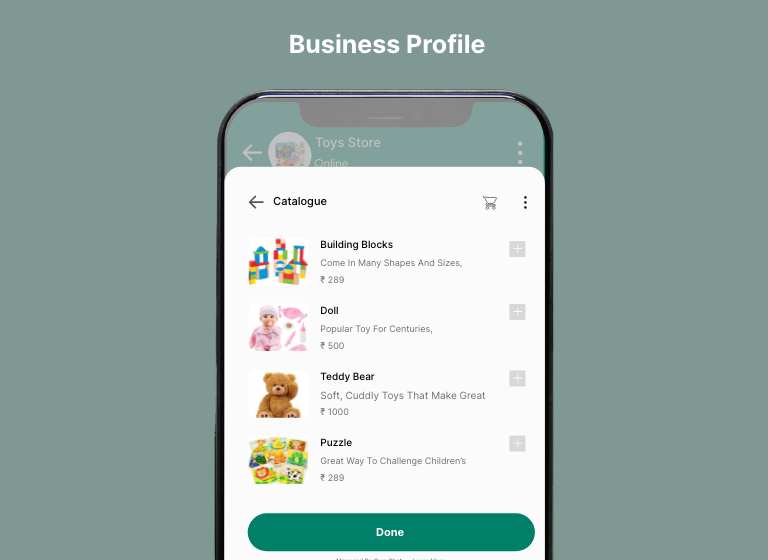
Setting Up Your WhatsApp Business Profile
Your WhatsApp Business profile is your brand’s first impression, so it’s essential to make it count. Start by creating a professional profile that reflects your brand’s identity, including your business name, logo, contact information, and a succinct description of what you offer. WhatsApp’s catalog feature allows you to showcase your products or services directly within the app, enabling customers to browse and inquire with ease.
Developing a WhatsApp Marketing Strategy
A well-crafted WhatsApp marketing strategy begins with clear, defined objectives. Whether your goal is to raise brand awareness, boost sales, or enhance customer service, having a focused plan will guide your efforts and maximize your impact. Audience segmentation is key; categorize your contacts by demographics, purchase history, and engagement levels to deliver targeted, relevant messages that resonate with each group.
Key Steps in Your Strategy:
Personalization: Utilize customer data to tailor your messages. Address customers by name, reference previous interactions, and create a more personalized and engaging experience.
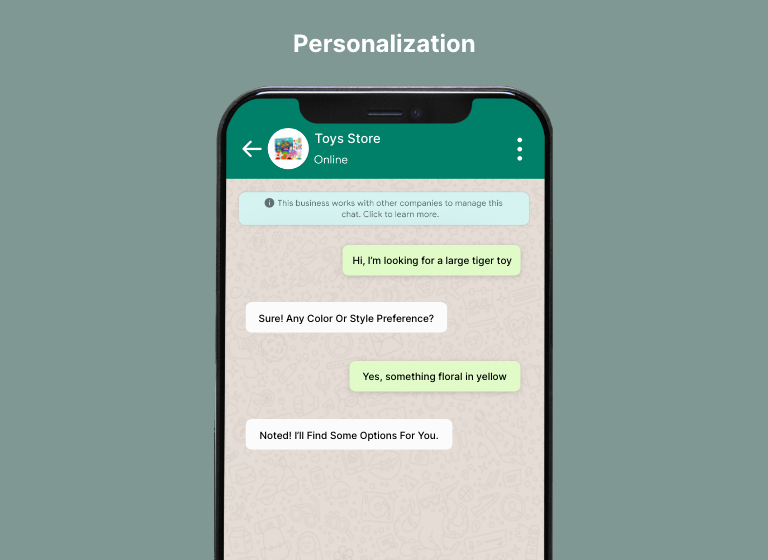
Content Creation: WhatsApp supports a variety of content formats—text, images, videos, and voice messages. Use a mix of these to keep your audience engaged and interested.
Broadcast Lists and Groups: Use broadcast lists and groups to segment your audience and deliver targeted content. For example, you could create a group specifically for your most loyal customers, offering them exclusive deals and early access to new products.
Automating Customer Engagement:
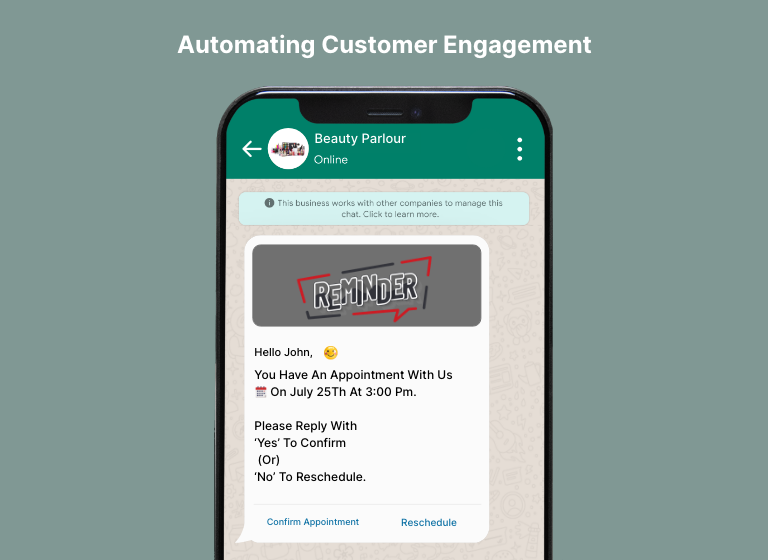
Automation is the secret sauce to scaling your WhatsApp marketing efforts without losing the personal touch. Tools like chatbots and automated messages can handle routine inquiries, confirm orders, send reminders, and even collect customer feedback. This not only saves time but also ensures that customers receive prompt, consistent responses, enhancing their experience with your brand.
Automation Ideas:
- Welcome Messages: Automatically send a welcome message when a customer first contacts you or subscribes to your updates, setting a friendly and professional tone from the start.
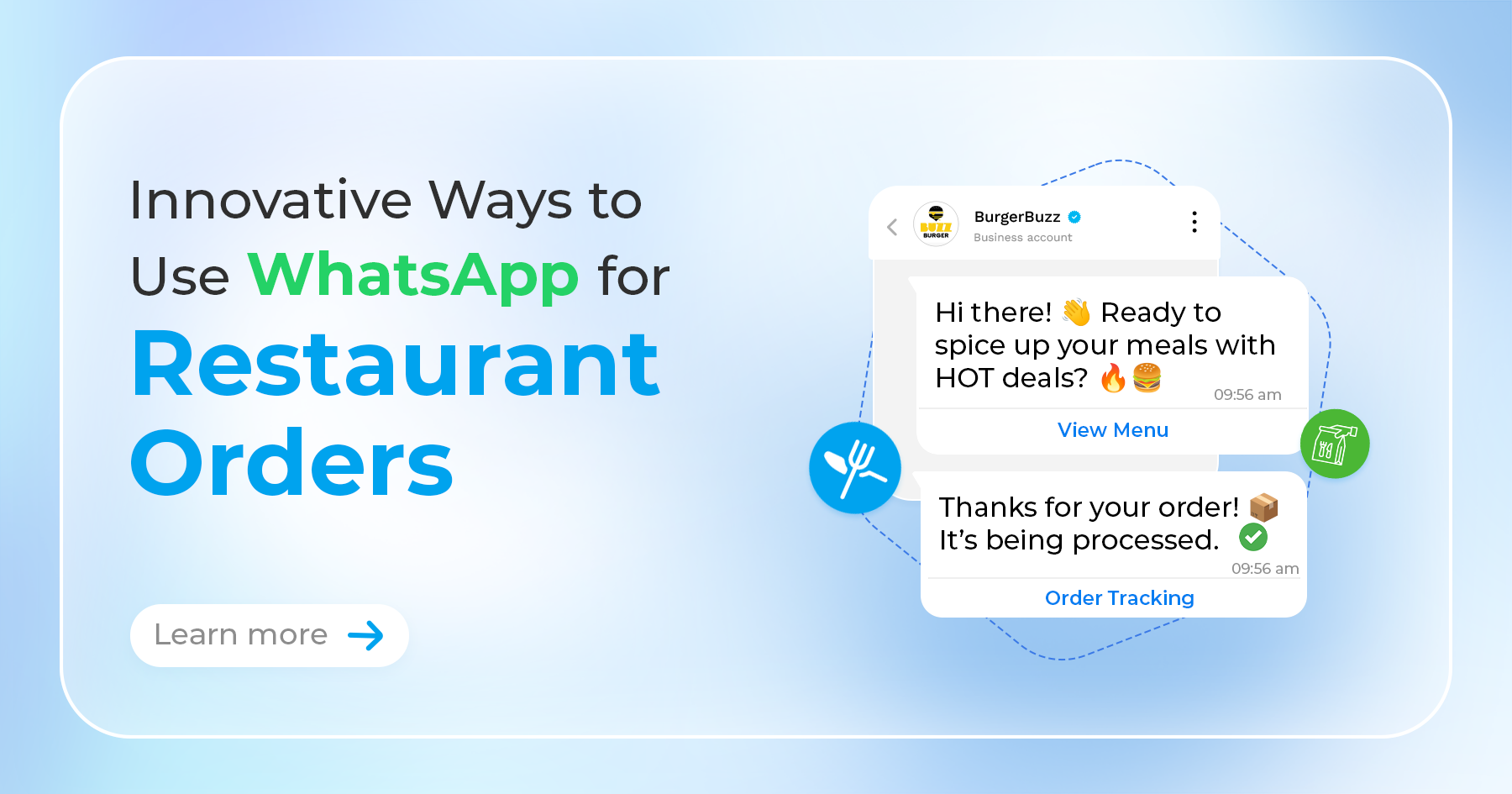
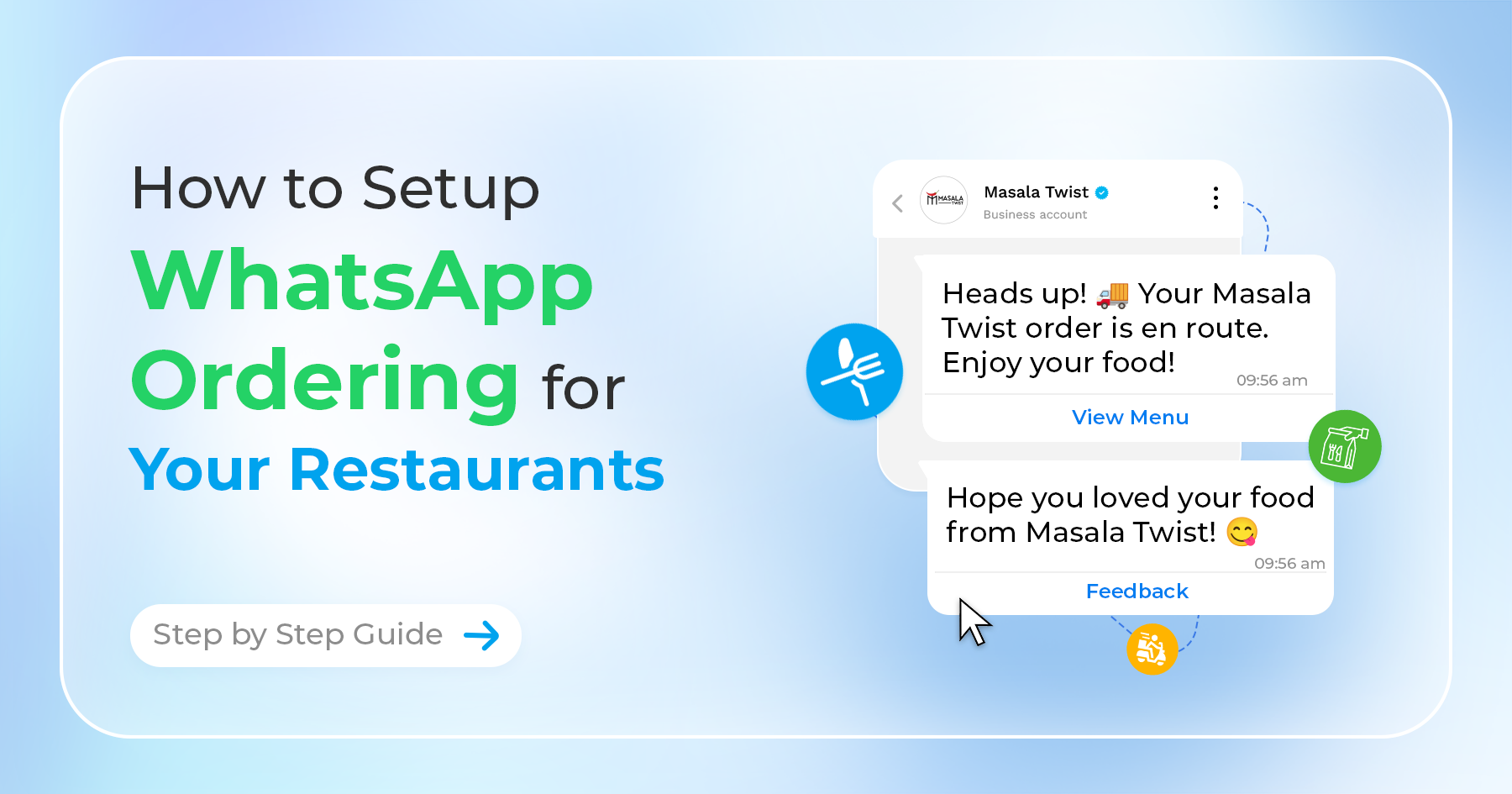
- Order Confirmations: Simplify the order process by sending automated confirmations and updates directly through WhatsApp, keeping customers informed every step of the way.
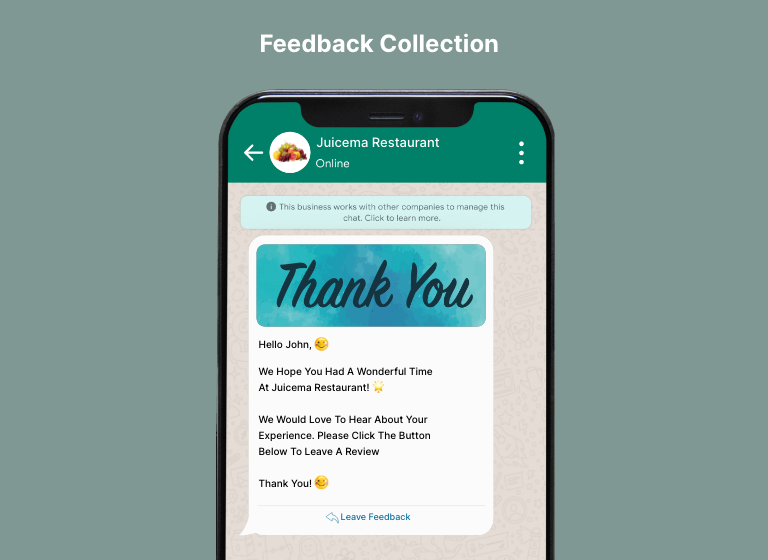
- Feedback Collection: After a purchase or interaction, automatically request feedback to gauge customer satisfaction and identify areas for improvement.
Enhancing Customer Service
WhatsApp isn’t just a marketing tool—it’s also a platform for providing top-notch customer service. With features like quick replies and away messages, you can ensure customers receive timely assistance, even outside of business hours. Integrating WhatsApp with your CRM system allows for seamless tracking of customer interactions, enabling you to deliver personalized, efficient support.
Best Practices for Customer Service:
- 24/7 Availability: Use chatbots to offer round-the-clock support, handling common inquiries and escalating more complex issues to human agents when necessary.
- Proactive Communication: Keep customers in the loop about their orders, reservations, or any changes in your services by sending timely updates through WhatsApp, ensuring they’re always informed.
Measuring the Success of Your WhatsApp Marketing
To refine your WhatsApp marketing strategy and achieve better results, it's crucial to track key performance indicators (KPIs) such as message open rates, response times, and conversion rates. WhatsApp Business provides built-in analytics tools that offer valuable insights into your messaging performance, helping you adjust your strategy and optimize your campaigns.
Metrics to Monitor:
Engagement Rates: Monitor how many customers interact with your messages to determine which types of content are most effective.
Customer Feedback: Regularly collect feedback to understand how customers perceive your WhatsApp communication and identify areas for improvement.
Conversion Tracking: Track how many customers take action—such as making a purchase or signing up for a service—after receiving a WhatsApp message to gauge the effectiveness of your marketing efforts.
Conclusion
WhatsApp is far more than just a messaging app; it’s a powerful marketing platform that allows businesses to connect with customers on a personal level. By leveraging WhatsApp’s features and integrating them into your broader marketing strategy, you can enhance customer engagement, drive sales, and build a loyal customer base. Whether you're new to WhatsApp marketing or looking to fine-tune your existing approach, the strategies outlined in this guide will help you unlock the full potential of this dynamic platform.