If your business relies on WhatsApp to communicate with customers — and if you're in India, it almost certainly does — you've probably hit a wall with the regular WhatsApp Business app.
You can't have multiple agents logged in.
You can't automate conversations at scale.
You can't send bulk messages without risking a ban.
And the moment your business grows, the basic app starts to break down.
That's where the WhatsApp Business API comes in.
This guide explains exactly what the WhatsApp Business API is, how it differs from the free WhatsApp Business app, how much it costs, and how Indian businesses are using it right now to automate customer communication, recover abandoned carts, and scale their support without hiring an army of agents.
What Is the WhatsApp Business API?
The WhatsApp Business API is the enterprise-grade version of WhatsApp for Business — one that Meta (formerly Facebook) designed specifically for medium and large businesses that need to communicate with customers at scale.
Unlike the free WhatsApp Business app, which is a mobile application with basic auto-reply features, the API is a programmable interface. It has no front-end of its own. Instead, you connect it to a platform or tool — like Ownchat — that adds the chatbot builder, team inbox, broadcast manager, analytics dashboard, and everything else your business needs.
Think of it like electricity.
The API is the power supply.
Ownchat is the appliance that makes it useful.
| Feature | WhatsApp Business App (Free) | WhatsApp Business API |
| Multiple agents | ❌ No (1 device only) | ✅ Yes (unlimited agents) |
| Automated chatbots | Limited (quick replies only) | ✅ Full no-code chatbot flows |
| Bulk broadcast messaging | ❌ Not allowed | ✅ Supported (with opt-in) |
| CRM integration | ❌ No | ✅ Yes |
| Shopify / Zoho integration | ❌ No | ✅ Yes |
| Green tick verification | ❌ Not available | ✅ Eligible |
| Analytics & reporting | Basic | ✅ Full dashboard |
| Monthly cost | Free | From ₹2,160/month (via Ownchat) |
Who Should Use the WhatsApp Business API?
The WhatsApp Business API is the right choice if your business:
- Receives more than 50–100 WhatsApp messages per day and needs multiple team members to handle them
- Wants to send automated order updates, payment reminders, or shipping notifications
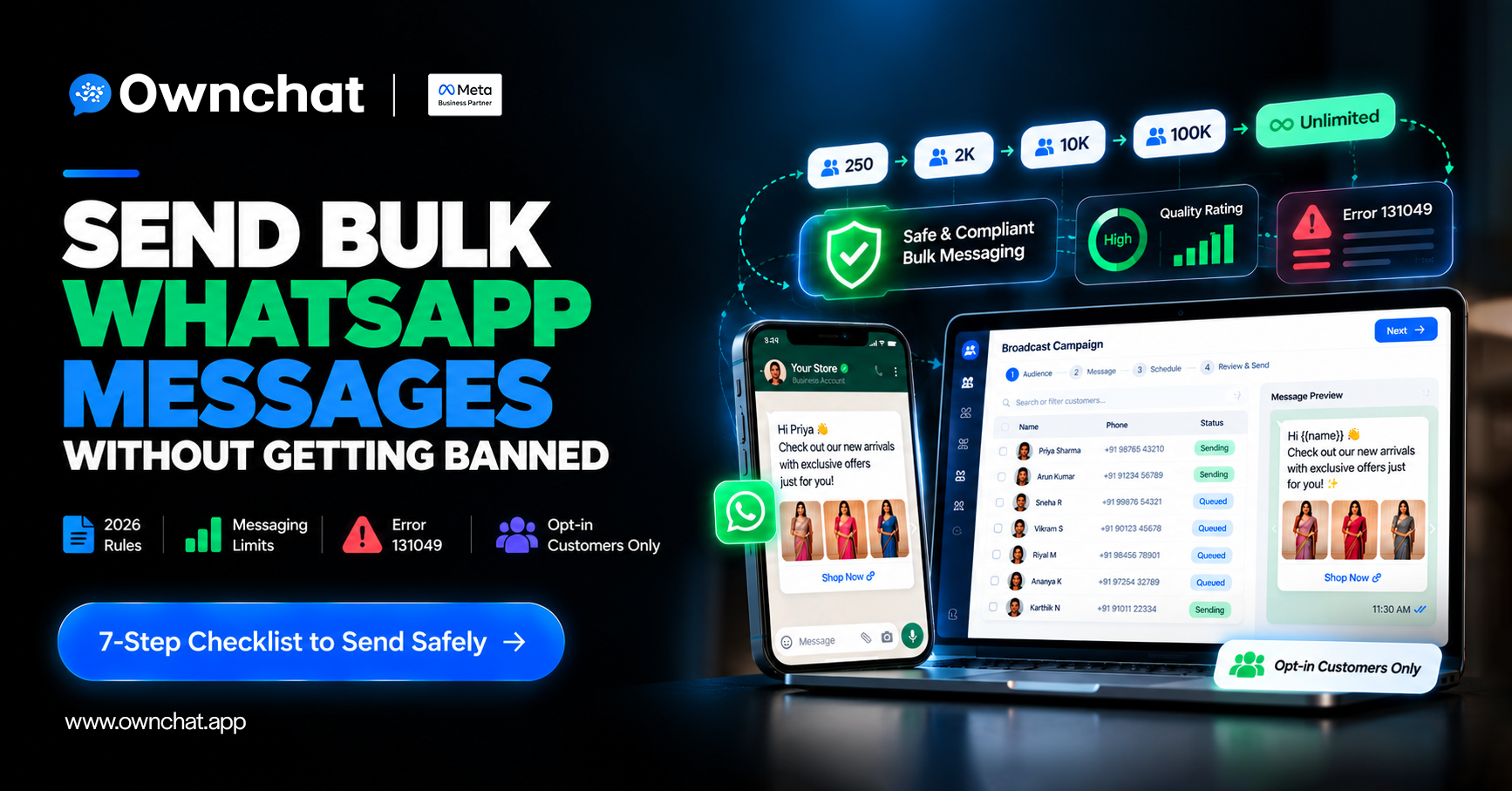
- Runs marketing campaigns and wants to reach customers via broadcast without risking a ban
- Has a Shopify store and wants to automate abandoned cart recovery via WhatsApp
- Wants to build a 24/7 customer support chatbot that handles FAQs, bookings, and lead qualification automatically
- Is in a sector like restaurants, real estate, education, D2C, or retail where WhatsApp is the primary customer communication channel
If you're a solo operator or just starting out, the free WhatsApp Business app may be enough for now. But most growing Indian SMBs outgrow it within months.
How Does the WhatsApp Business API Work?
Here's the simplified version:
- You apply for API access through a WhatsApp Business Solution Provider (BSP) like Ownchat, which is an official Meta partner.
- Your business number gets connected to the API — this number can no longer be used on a regular WhatsApp app.
- You build your workflows inside the BSP platform — chatbots, broadcast lists, team inbox, automation rules.
- Customers message you on WhatsApp as normal. They see no difference on their end.
- Your team (and bots) respond from a shared dashboard, with full context on every conversation.
The API operates on a conversation-based pricing model — meaning Meta charges per 24-hour conversation window, not per individual message. More on pricing below.
WhatsApp Business API Pricing in India (2026)
WhatsApp Business API pricing has two components: the Meta conversation charges and your platform subscription fee.
Meta's Conversation Charges
Meta charges per conversation (a 24-hour messaging window), not per message. The rates vary by conversation category:
| Conversation Type | What Triggers It | Approx. Cost (India) |
| Marketing | You initiate — promotional messages, offers | ~₹0.58 per conversation |
| Utility | You initiate — transactional (order updates, OTPs) | ~₹0.14 per conversation |
| Authentication | You initiate — OTPs and login codes | ~₹0.11 per conversation |
| Service | Customer initiates — support queries | Free (first 1,000/month) |
Note: The first 1,000 service conversations per month are free. This means if customers are reaching out to you, there's often no Meta charge at all for smaller businesses.
Ownchat Platform Subscription
On top of Meta's charges, you pay Ownchat for access to the platform itself — the chatbot builder, team inbox, broadcast manager, CRM, and all other features.
Ownchat plans start at ₹2,160/month with 9 tiers to match your team size and message volume.
How to Get WhatsApp Business API Access
Getting API access through Ownchat is straightforward:
Step 1: Sign up for Ownchat
Create your Ownchat account and choose a plan. Ownchat handles the API application process on your behalf as a Meta Business Partner.
Step 2: Set up your Meta Business Account
You'll need a verified Meta Business Manager account. If you don't have one, Ownchat guides you through setup.
Step 3: Submit your business details
Provide your business name, category, and the phone number you want to use for WhatsApp. This number cannot already be active on WhatsApp — use a new number, or port your existing business number (after removing it from WhatsApp).
Step 4: Get verified
Meta reviews your submission, typically within 24–72 hours. Most legitimate businesses are approved.
Step 5: Start building
Once approved, you can access Ownchat's dashboard to build chatbots, set up your team inbox, create broadcast templates, and configure your first automation flows.
✅ Ownchat handles all the technical setup. No coding required.
5 Ways Indian Businesses Are Using the WhatsApp Business API in 2026
1. 24/7 Customer Support Automation
The most immediate use case. With an Ownchat chatbot, you can automate answers to the 20 most common questions your customers ask — store hours, return policy, order status, product availability — and only escalate complex queries to a human agent.
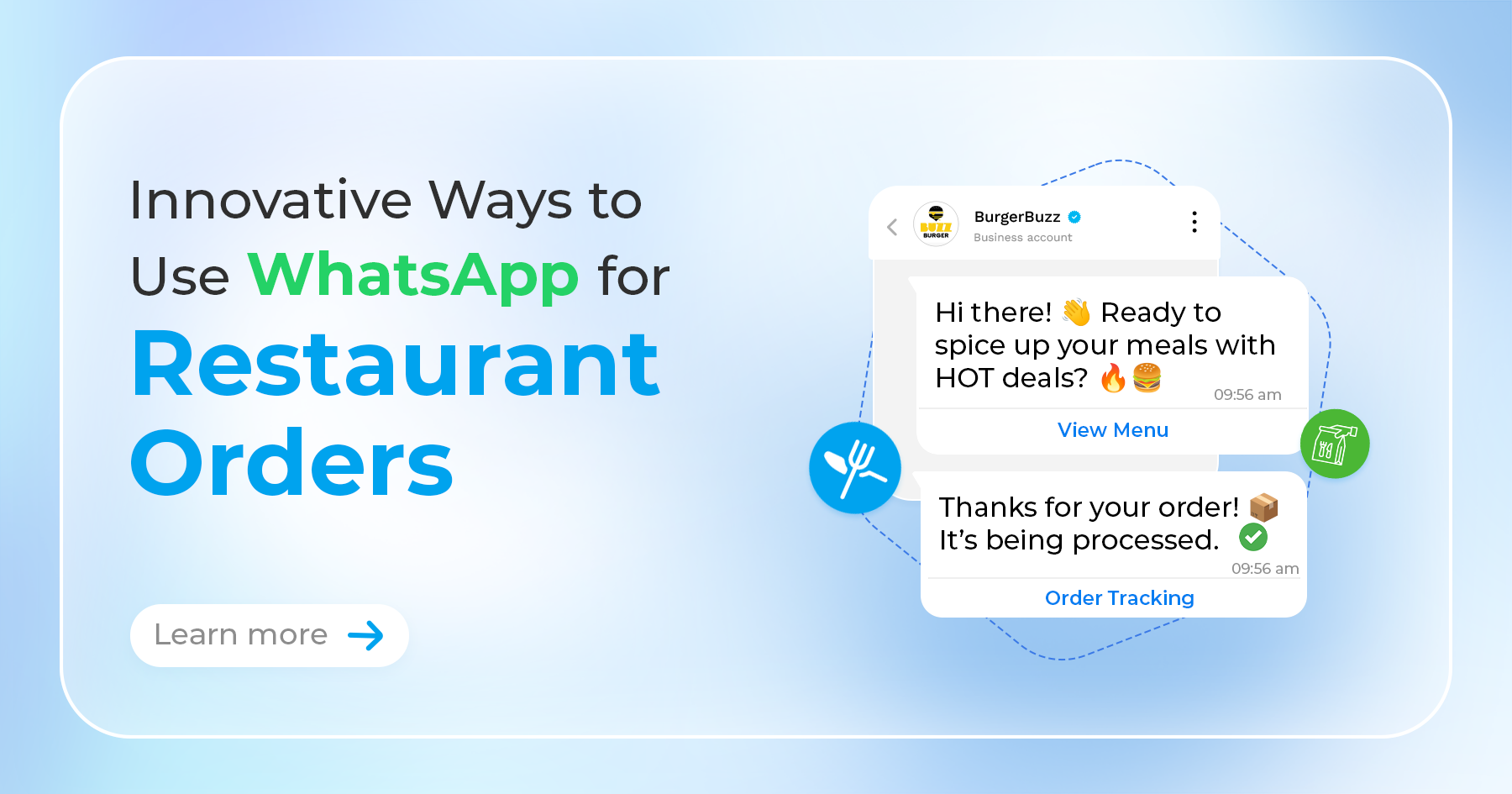
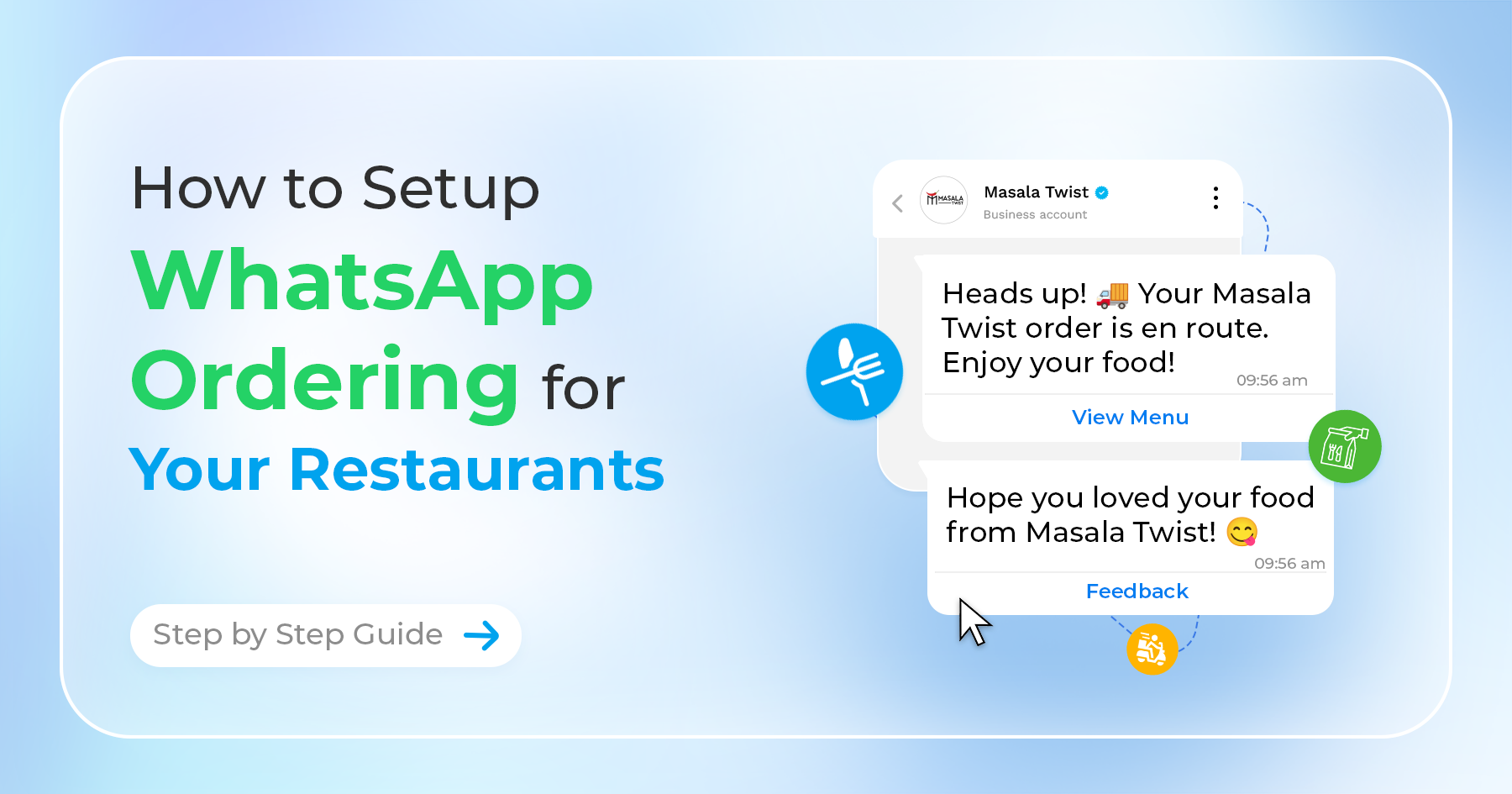
A restaurant using Ownchat can automatically handle table booking confirmations, menu queries, and delivery status at midnight without any staff online.
2. Abandoned Cart Recovery (for D2C and Shopify stores)
Studies show that 60–80% of online shopping carts are abandoned before purchase. WhatsApp cart recovery messages achieve open rates of over 90% — far above email's typical 20–30%.
With Ownchat's Shopify integration, you can trigger an automatic WhatsApp message within 30 minutes of cart abandonment, send a follow-up with a discount code 24 hours later, and close the sale without any manual effort.
3. WhatsApp Broadcast Campaigns
Instead of spamming random numbers (which violates WhatsApp's policies and risks a ban), the API lets you send templated broadcast messages to opted-in customers. This is like WhatsApp email marketing — but with 98% open rates.
Indian businesses use this for festival sale promotions (Diwali, Eid, Pongal), new product launches, appointment reminders, loyalty offers, and seasonal campaigns.
4. Lead Qualification and Sales Follow-Up
Real estate agents, education institutes, and financial services companies are using WhatsApp chatbots to automatically qualify inbound leads — asking about budget, timeline, location preference — before routing the hot ones to a sales rep. This cuts the time salespeople spend on cold or unqualified leads by up to 60%.
5. Order Updates and Transactional Notifications
Utility messages (order confirmed, payment received, delivery dispatched) have extremely high open rates and are often free under Meta's conversation pricing.
Customers appreciate the proactive communication, and it dramatically reduces inbound "where is my order?" queries.
WhatsApp Business API Use Cases by Industry
| Industry | Top Use Cases |
| Restaurants | Table bookings, menu sharing, order updates, feedback collection |
| D2C / Ecommerce | Abandoned cart recovery, order tracking, return requests |
| Real Estate | Lead qualification, property sharing, site visit scheduling |
| Education | Admissions queries, fee reminders, exam notifications |
| Jewellery & Retail | Catalogue sharing, appointment booking, festival promotions |
| Salons & Spas | Appointment booking, reminder messages, loyalty offers |
| Banking & Finance | Account alerts, loan reminders, KYC follow-ups |
| Tours & Travel | Booking confirmations, itinerary sharing, travel alerts |
Ownchat has pre-built solution templates for each of these industries.
WhatsApp Business API Rules You Must Know
Using the API comes with responsibilities. Violating Meta's policies can result in your number being temporarily or permanently banned.
Key rules to follow:
- Get explicit opt-in before sending marketing messages
- Use approved message templates for outbound messages
- Don't send unsolicited promotional content
- Respect the 24-hour messaging window
- No spam, no misleading content, no sensitive categories
Ownchat's platform is built with these rules in mind. Template submission and approval is managed within the dashboard, and opt-in tracking is built in.
WhatsApp Business API vs. WhatsApp Cloud API — What's the Difference?
- WhatsApp Business API (On-Premise):
- The original API, hosted on your own servers. Requires significant technical setup. Mostly used by enterprise companies with dedicated engineering teams.
- WhatsApp Cloud API:
- Introduced by Meta in 2022, and the version most BSPs like Ownchat now use. Hosted on Meta's servers. Easier to access, faster to set up, lower infrastructure cost.
When Ownchat connects your business to the WhatsApp API, it's using the Cloud API — which means faster setup, no server management on your end, and regular feature updates from Meta.
Frequently Asked Questions
Can I use my existing WhatsApp Business number for the API?
Yes, but you'll need to delete WhatsApp from your phone first and use that number exclusively for the API.
Does Ownchat offer a free trial?
Yes. Ownchat offers a free trial so you can explore the platform before committing.
How long does API approval take?
Most businesses are approved within 24–72 hours.
Can I get the WhatsApp green tick verification?
Yes. The verified green tick badge is available to businesses using the API that meet Meta's eligibility criteria.
What happens if I exceed my plan limits?
Ownchat plans can be upgraded at any time without penalty.
Is the WhatsApp Business API suitable for small businesses?
Absolutely. Ownchat's entry plan starts at ₹2,160/month.
Getting Started with Ownchat
Ownchat is an official WhatsApp Business Solution Provider, which means we handle the API application, technical setup, and onboarding for you.
Here's what you get on every Ownchat plan:
- WhatsApp Business API access and setup
- No-code chatbot builder with visual flow editor
- Shared team inbox for multi-agent support
- WhatsApp Broadcast manager for bulk campaigns
- WhatsApp CRM for contact and conversation management
- Shopify and Zoho integrations
- Instagram channel support
- Analytics dashboard
Plans start at ₹2,160/month with a free trial available.