Quick answer: To measure the ROI of a bulk WhatsApp campaign, add up the sales that came from customers you messaged, subtract what the campaign cost, and divide by the cost. ROI (%) = (Attributed Revenue − Campaign Cost) ÷ Campaign Cost × 100. Delivered and read counts show the campaign reached people. Only bills and revenue show it made money.
Sending a WhatsApp message to 5,000 customers takes a few minutes. Knowing whether those messages actually brought people into your store is the harder part.
This guide shows you how to plan a bulk WhatsApp campaign for sales, which numbers to track, how to calculate ROI, and how to use the results to make your next campaign better.
Key takeaways
- Pick one clear goal for each campaign: new collection, repeat purchase, abandoned cart or win-back.
- Send to a focused segment, not your whole contact list.
- Delivered and read rates are a starting point. Revenue is the real result.
- Revenue isn't profit. Subtract product and other costs before you celebrate.
- Decide your attribution window and tracking method before you hit send.
Use Bulk WhatsApp Campaigns to Drive Sales
Every campaign should ask the customer to do one thing: visit the store, view a product, reply, or buy. Here are four goals that work well for retail stores.
Promote New Collections and Offers
Share festive collections, new arrivals and special offers with customers who have opted in to hear from you. A saree shop, for example, can send its new Diwali silk collection to customers who bought silk sarees last season.
Bring Customers Back for Repeat Purchases
Your existing customers already trust you. Send them new arrivals in categories they've bought before, or a reminder when it's time to restock.
Recover Abandoned Orders
If you sell online, customers often add items to the cart and leave. With an integration such as Shopify, you can send an approved reminder template with a link back to their checkout.
Win Back Inactive Customers
Customers who haven't visited in 6 to 18 months are cheaper to bring back than new customers are to find. A personal message with a strong reason to return works better than a generic offer. Our guide on how to bring back old customers to your store has a full 5-step win-back plan.
Target the Right Audience
Sending the same message to everyone wastes money and gets your messages ignored or blocked. Split your list into segments such as:
- New customers who recently opted in
- Repeat customers who have bought before
- Customers interested in a specific category (silk sarees, kidswear, menswear)
- Customers who haven't bought in 6+ months
In Ownchat, you can upload your customer list as a CSV file or connect it from Google Sheets, then build segments with Smart Segmentation. Before you send, check that phone numbers are correct and every customer on the list has opted in.
Sending to customers who didn't opt in can lower your quality rating and get your number restricted. Read how to send bulk WhatsApp messages without getting banned for the limits and rules.
Personalise Your Messages
A message with the customer's name and a product they care about gets more attention than a generic broadcast. For example:
"Hi {{1}}, our new {{2}} collection has arrived for Diwali. See the full range here: {{3}}"
Here, {{1}} is the customer's name, {{2}} is the product category, and {{3}} is a link. When you set up a WhatsApp broadcast in Ownchat, map each variable to the right column in your CSV or Google Sheet, then check a few sample messages before you send to the full list.
Use only approved templates, and send only to customers who have agreed to receive messages from you.
Track the Right Campaign Metrics
Delivery numbers tell you the message reached people. They don't tell you it made money. Track both.
| Metric | What it tells you |
|---|---|
| Messages sent | How many messages went out |
| Delivered | How many reached customers' phones |
| Read | How many customers opened the message |
| Failed | How many didn't deliver. Check for wrong numbers or blocked contacts |
| Click-through rate (CTR) | Unique link clicks ÷ delivered messages × 100 |
| Conversion rate | Customers who bought ÷ customers messaged × 100 |
| Attributed revenue | Sales you can link to the campaign |
| Campaign cost | Meta's message charges plus any other campaign costs |
Ownchat shows sent, delivered, read and failed messages for each campaign, along with the amount used. With Ownchat ROI Tracking, you can also link conversions and revenue to your WhatsApp campaigns.
Calculate Your Campaign ROI
The formula is:
ROI (%) = (Attributed Revenue − Campaign Cost) ÷ Campaign Cost × 100
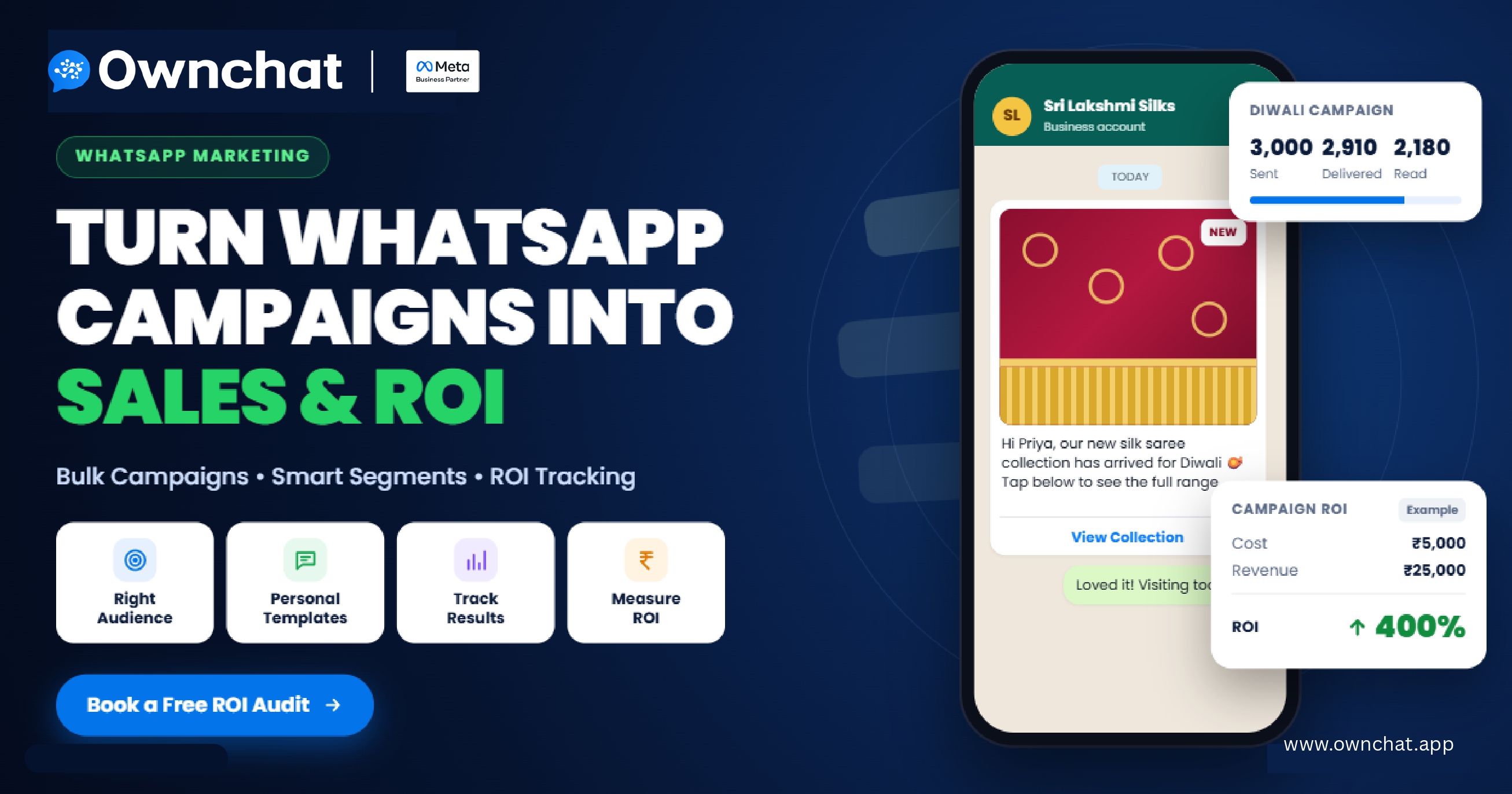
Example: A saree shop sends its Diwali collection campaign to 3,000 opted-in customers. The campaign costs ₹5,000, and the shop links ₹25,000 in bills to customers who received the message.
| Metric | Amount |
|---|---|
| Campaign cost | ₹5,000 |
| Attributed revenue | ₹25,000 |
| Revenue minus cost | ₹20,000 |
| ROI | 400% |
Calculation: (₹25,000 − ₹5,000) ÷ ₹5,000 × 100 = 400%
This is an illustrative example, not a reported Ownchat customer result.
Revenue Isn't Profit
That 400% looks great, but it only counts the campaign cost. Your sarees cost money too. Here's the same campaign with other costs included:
| Metric | Amount |
|---|---|
| Attributed revenue | ₹25,000 |
| Campaign cost | − ₹5,000 |
| Product cost | − ₹12,000 |
| Packing, delivery and other costs | − ₹3,000 |
| What's left | ₹5,000 |
The campaign still made money, but ₹5,000, not ₹20,000. Taxes, returns and overheads may reduce it further.
Whatever costs you include, use the same method for every campaign. That's the only way to compare one campaign fairly with another.
Link Sales to the Right Campaign
A customer might read your message on Monday and walk into your store on Friday. To know whether the campaign drove that sale, use one or more of these methods:
- Tracked links: a unique link for each campaign shows which campaign brought website visitors.
- Offer codes: a campaign-specific code (like DIWALI20) shows exactly which bills came from the message.
- Phone number matching: match the numbers you messaged with bills in your POS.
- CRM and order records: link campaign recipients to completed orders.
Two rules matter:
- Fix an attribution window before you send, such as 7 days for a flash sale or 14 days for a festival campaign.
- Don't count every purchase as a campaign sale. Some customers would have bought anyway, especially loyal ones during Diwali.
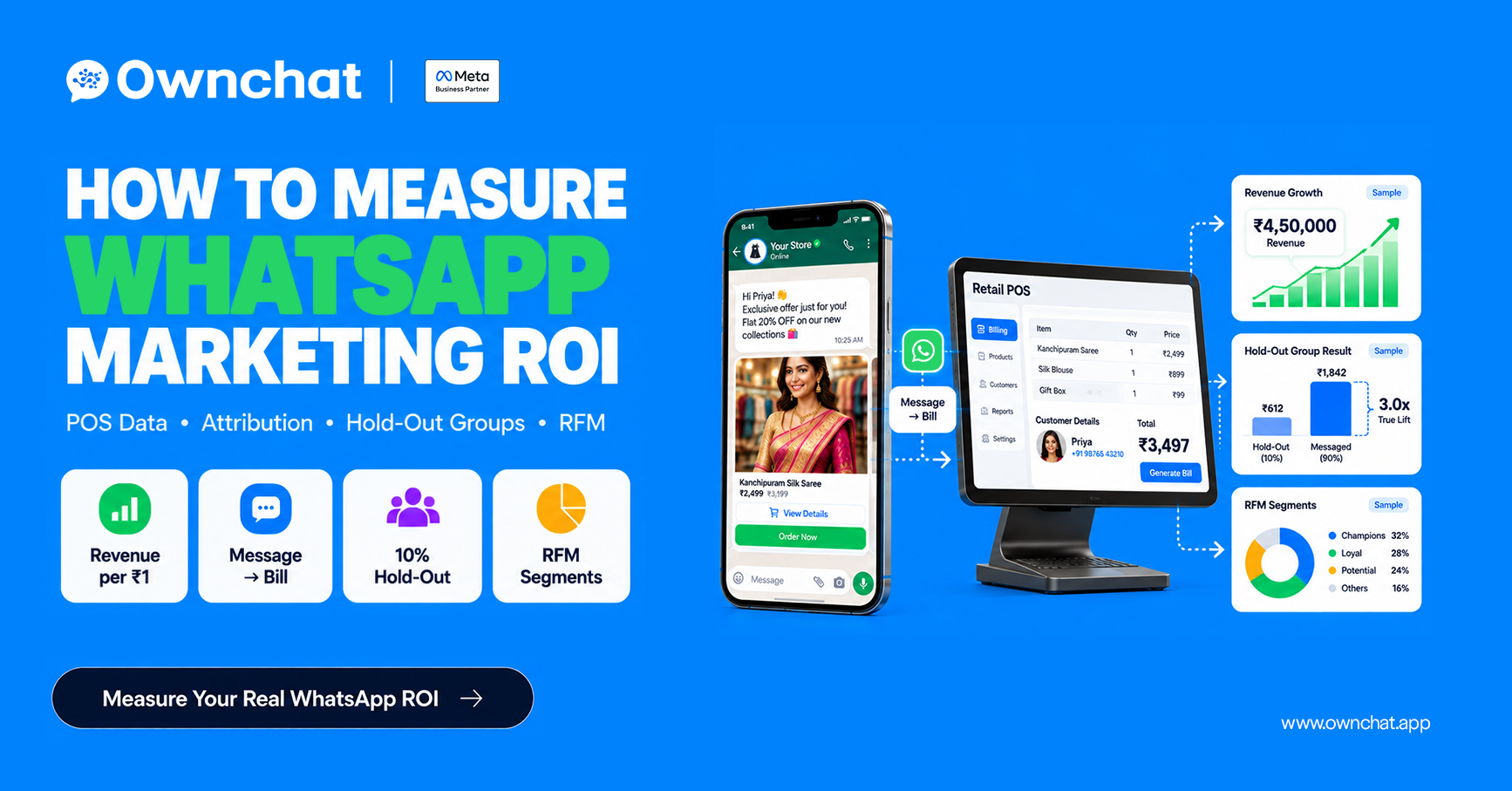
To measure how many sales the campaign truly caused, use a hold-out group. Our guide on how to measure WhatsApp marketing ROI using your POS data explains phone-number matching, hold-out tests and RFM segments step by step.
Use Campaign Results to Fix Problems
Your campaign numbers point to what needs fixing:
| What you see | What to check |
|---|---|
| Many failed messages | Wrong or old phone numbers, customers who blocked you |
| Delivered but few reads | Send time, how your message preview looks |
| Read but few clicks | Offer strength, call-to-action, button text |
| Clicks but few sales | Landing page, product availability, checkout steps |
| Many opt-outs or blocks | Message frequency, audience relevance |
Improve Your Next Campaign
After each campaign, ask:
- Which segment responded best?
- Which offer or message got more clicks and sales?
- How much revenue can you fairly link to the campaign?
- Did the results justify the cost?
- Did customers opt out or complain?
- What will you change next time?
Change one thing at a time, such as the offer, the message or the segment, so you know what made the difference. Focus on relevance, not on sending more messages.
Frequently Asked Questions
How do I calculate ROI for a WhatsApp campaign?
Subtract the campaign cost from the revenue linked to the campaign, divide by the campaign cost, and multiply by 100.
What metrics should I track for bulk WhatsApp campaigns?
Track sent, delivered, read and failed messages, plus click-through rate, conversion rate, attributed revenue and campaign cost.
What is a good ROI for a WhatsApp campaign?
It depends on your margins, offer and audience. Compare each campaign with your past campaigns and other channels using the same calculation method.
How do I know which sales came from my WhatsApp campaign?
Use tracked links, campaign-specific offer codes, or match the phone numbers you messaged with your POS bills within a fixed attribution window.
Can I send bulk WhatsApp messages from a CSV or Google Sheet in Ownchat?
Yes. You can upload a CSV file or connect a Google Sheet, then map your columns to the template variables.
Is revenue the same as profit?
No. Revenue is the total sales value. Profit is what's left after product costs, campaign costs and other expenses.
Conclusion
Bulk WhatsApp campaigns can bring in sales, repeat purchases and returning customers, but sending more messages doesn't automatically mean more revenue.
Pick one clear goal, send to the right segment, personalise the message, and measure what happens after delivery. Calculate ROI the same way every time, and remember the difference between revenue and profit. Each campaign then teaches you how to make the next one better.
Want to know what your WhatsApp campaigns really earn? Book a free 15-minute audit, and our team will review your campaigns and show you how to track ROI in Ownchat.
Related: WhatsApp marketing for textile shops · Diwali marketing ideas for clothing stores · How to measure WhatsApp marketing ROI using your POS data