Businesses receive customer enquiries every day about products, pricing, availability, orders, and services. Managing these conversations manually can consume valuable time, particularly when teams need to handle multiple customer requests simultaneously.
Traditional chatbot development may also require businesses to plan conversation flows, configure responses, define conditions, and connect external tools. For teams without technical expertise, this process can feel challenging.
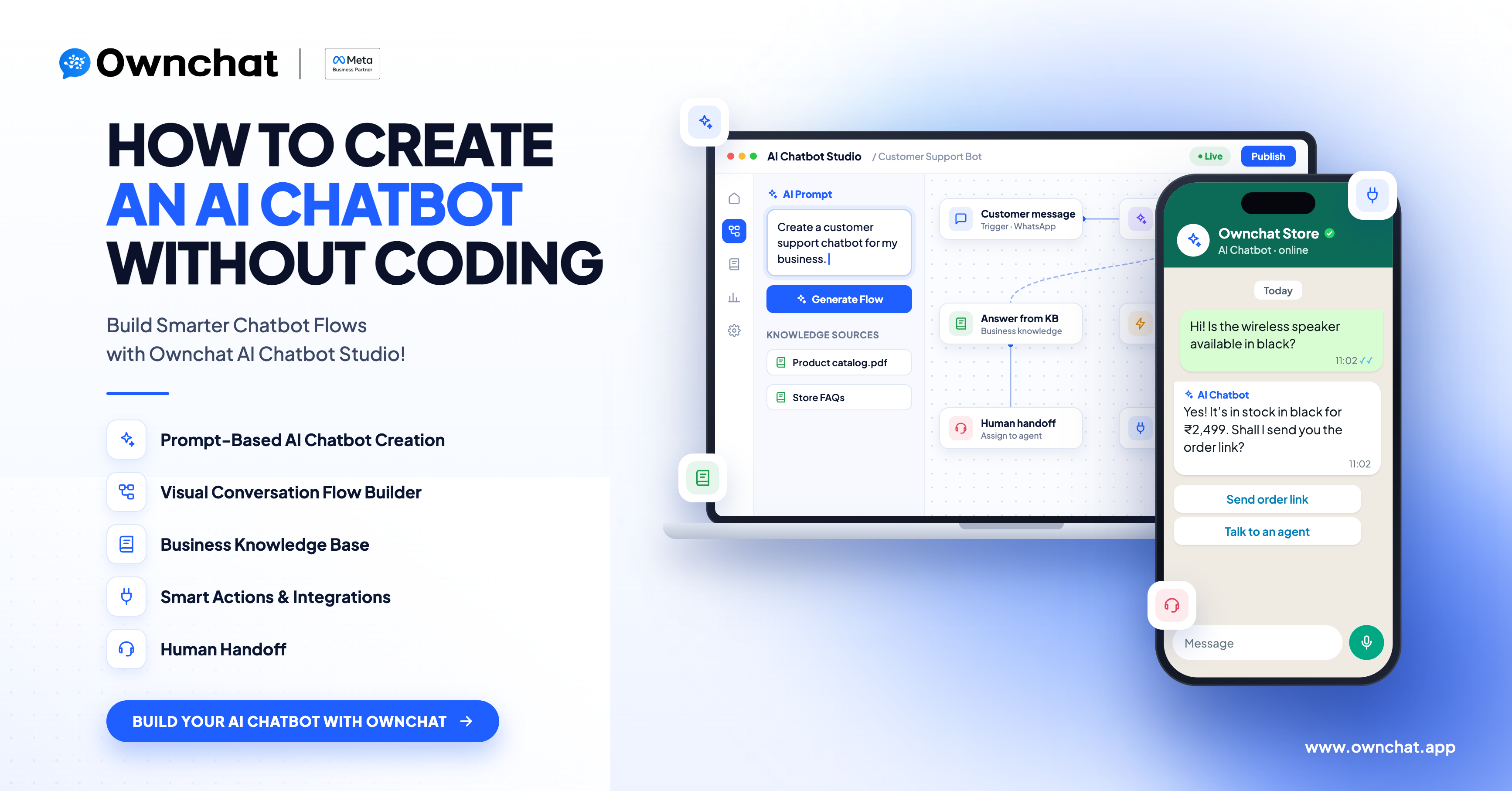
Ownchat AI Chatbot Studio helps simplify chatbot creation by allowing businesses to describe their requirements using natural-language instructions. This provides a starting point for building structured chatbot flows without manually designing every step from scratch.
In this guide, we explain how AI-assisted chatbot creation works, the features businesses can use to design customer interactions, and the considerations involved in setting up a chatbot for real business needs.
What Is Ownchat AI Chatbot Studio?
Ownchat AI Chatbot Studio is designed to help businesses create chatbot conversation flows based on their requirements.
Instead of beginning with manual flow configuration, users can describe the customer experience they want to create. The resulting flow can then be reviewed and configured according to the business process, available actions, and selected communication channel.
For example, a clothing retailer might want a chatbot that helps customers explore products, answer common questions, collect enquiries, and direct customers to the appropriate team.
The business could describe these requirements in natural language and use them as the basis for designing a suitable chatbot flow.
The exact functionality depends on the features available in the workspace and the integrations configured for the intended use case.
Why Do Businesses Need AI Chatbots?
As businesses grow, handling every customer enquiry manually becomes increasingly difficult. Chatbots can help organise routine interactions and provide a structured way to manage customer requests.
1. Managing Repetitive Customer Questions
Customers often ask similar questions about business hours, products, pricing, delivery, availability, and services.
A chatbot can be configured to respond to common enquiries using predefined conversation logic and, where supported, information from a connected knowledge base.
This helps businesses manage routine questions more consistently.
2. Capturing Customer Enquiries
Not every customer who contacts a business is ready to make a purchase immediately. Some customers need product details, while others may be looking for a demonstration, quotation, or consultation.
A chatbot can guide customers through relevant questions and collect the information required by the business. Where configured, the conversation can then be routed to the appropriate sales or support team.
3. Organising Multi-Step Conversations
Some business processes involve several steps, such as collecting customer details, identifying a requirement, checking information, and determining the next action.
A structured chatbot flow helps organise these steps and define how the conversation should proceed based on the configured logic.
4. Updating Chatbot Workflows
Business requirements change over time. Teams may need to update messages, introduce new choices, or adjust the conversation journey.
The available editing capabilities should be used to maintain the chatbot as business requirements evolve. Changes should be reviewed and tested before being applied to live customer conversations.
How Does Ownchat AI Chatbot Studio Work?
Creating a useful chatbot starts with understanding the business requirement and translating it into a clear customer journey.
Step 1: Describe Your Business Requirements
Begin by explaining what your business does and what you want the chatbot to achieve.
For example:
"Create a customer support chatbot for my e-commerce business. It should answer common product questions, collect customer support requests, and direct customers with complex issues to a human agent."
When preparing your instructions, include the following details where relevant:
- Business type and target customers.
- Purpose of the chatbot.
- Communication channel.
- Common customer questions.
- Information the chatbot needs to collect.
- Required business actions or integrations.
- Situations that require human support.
Clear requirements help establish the intended chatbot behaviour and reduce ambiguity during configuration.
Step 2: Define the Conversation Journey
Before using the chatbot, identify the steps a customer should follow.
For example, a product enquiry journey might include:
- Welcome the customer.
- Identify the type of product enquiry.
- Provide relevant information.
- Collect additional details if necessary.
- Direct the customer to the next appropriate step.
The journey should reflect the actual business process. Avoid adding unnecessary questions or steps that make the customer experience complicated.
Step 3: Generate or Configure the Chatbot Flow
Use the available AI-assisted creation capabilities to translate your requirements into a structured conversation flow.
Depending on the use case and supported configuration, a flow may include:
- Welcome and response messages.
- Buttons and interactive choices.
- Customer information collection.
- Conditions based on customer responses.
- AI Agent interactions.
- Connected actions or integrations.
- Conversation assignment to a human team.
Review the generated or configured flow to ensure that the conversation follows the intended business logic.
Step 4: Review the Flow and Its Configuration
Before deploying a chatbot, review its messages, conditions, routing, and connected actions.
Check whether:
- The messages match the business requirements.
- The conversation follows the correct sequence.
- The required information is collected appropriately.
- The configured actions use the intended data.
- Customers have a suitable path when their request cannot be handled automatically.
- Required integrations and channel settings are configured.
Use the testing and review capabilities available in your OwnChat workspace. Verify connected integrations separately where necessary.
Step 5: Configure and Publish the Chatbot
After reviewing the flow, complete the required configuration for the selected channel and business process.
Confirm that the necessary integrations, credentials, actions, and routing settings are in place.
Once the required checks are complete, publish the chatbot using the available OwnChat workflow. Test the live customer experience to confirm that the configured conversation behaves as expected.
Important Features of Ownchat AI Chatbot Studio
The following capabilities help explain the different elements involved in designing a chatbot. Availability and behaviour depend on the selected configuration and supported product functionality.
Natural-Language Chatbot Creation
Natural-language instructions allow users to describe the intended customer experience in everyday language.
For example, a business can explain which questions the chatbot should answer, what information it should collect, and when a customer should be directed to a team member.
This approach provides an alternative starting point to manually configuring every conversation step.
AI Agent Conversations
An AI Agent can support conversations that require interpreting customer messages and responding according to its configured instructions.
Its behaviour depends on the prompt, available context, connected knowledge sources, and configured actions.
Businesses should define the agent's purpose clearly and specify how it should respond when information is unavailable or human assistance is required.
Structured Conversation Logic
Chatbot flows can organise customer interactions into a sequence of messages, choices, conditions, and actions.
For example, a customer asking about a product may follow a different path from a customer requesting order assistance.
The flow should be designed around the intended customer journey, with each step leading to an appropriate next action.
Knowledge Base Integration
A knowledge base can provide business-specific information for supported AI Agent configurations.
This may include product details, service information, frequently asked questions, and other approved business content.
For reliable responses, keep the source information accurate and up to date. Test the agent against representative questions to evaluate whether it uses the intended information correctly.
Google Sheets and External Integrations
Some business workflows require information to be retrieved from or recorded in an external system.
Where the relevant integration and action are supported and configured, a chatbot may use connected tools to perform operations such as reading or recording information.
For example, a lead qualification workflow may record customer details in a connected Google Sheet.
Before using an integration in a live workflow, verify its supported operations, required permissions, data mapping, and expected output.
Human Handoff
Automation does not mean every customer conversation should remain with a chatbot.
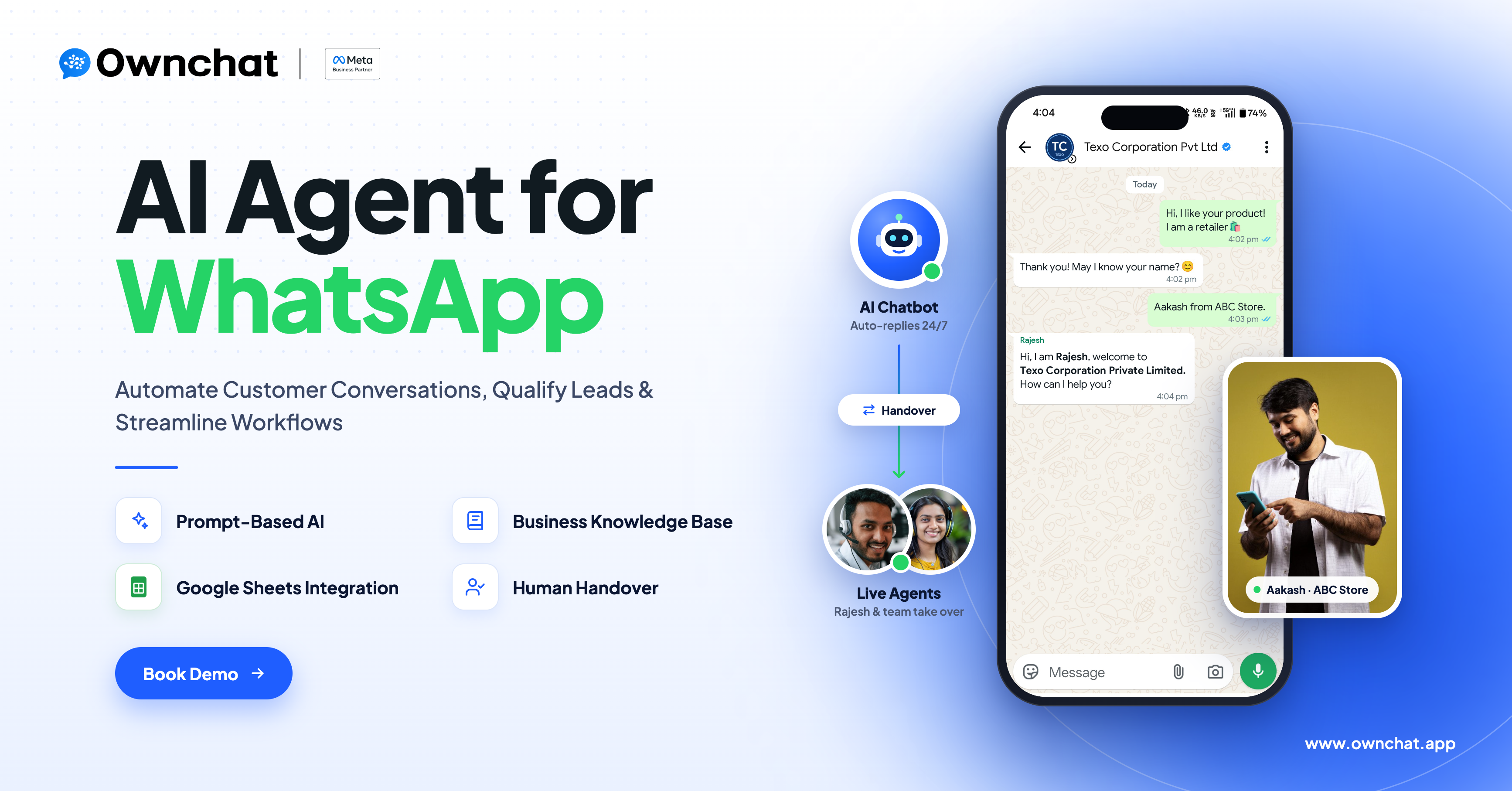
A business can define situations in which a conversation should be assigned to a human agent or team, where the relevant assignment functionality is available.
Examples include complex complaints, special requests, bulk enquiries, and situations that require individual attention.
Clear handoff rules help customers reach the right person when automated handling is insufficient.
A Practical Example: Creating a Chatbot for a Saree Shop
Consider a saree retailer that receives enquiries about fabric, designs, prices, availability, and orders through WhatsApp.
The retailer wants to make it easier for customers to find relevant information and contact the business when they need assistance.
A possible chatbot journey could work as follows.
1. Welcome the Customer
The chatbot greets the customer and presents suitable options, such as product enquiries, order assistance, or speaking to the team.
2. Understand the Product Requirement
The chatbot asks relevant questions about the customer's preferences, such as fabric, occasion, or product category.
The questions should be limited to the information needed to guide the conversation.
3. Provide Relevant Information
The chatbot responds using the configured conversation logic and available business information.
If live stock or pricing information is required, the relevant data source or integration must be available and correctly configured.
4. Collect Enquiry Details
If the customer wants additional assistance, the chatbot can collect the required contact or enquiry details according to the configured workflow.
5. Route the Enquiry
Customers who need personalised assistance or want to discuss a bulk purchase can be directed to the appropriate team where handoff is supported and configured.
This example demonstrates how chatbot logic, business information, integrations, and human support can work together. Actual inventory lookup, order processing, and payment functionality must be supported and configured separately for the intended use case.
Which Businesses Can Benefit from AI Chatbots?
E-commerce and Retail
Retail businesses can use chatbots to answer product questions, guide customers through product categories, collect enquiries, and support configured order-related workflows.
Restaurants and Food Businesses
Restaurants can design chatbot journeys for menu enquiries, customer preferences, reservations, and supported ordering processes.
Any order management or point-of-sale integration must be verified for the particular setup.
Education and Training
Educational institutions can use chatbots to respond to common course enquiries, collect prospective student information, and direct admissions requests to the appropriate team.
Real Estate
Real estate businesses can structure enquiries around property preferences, preferred locations, budget ranges, and contact details before routing suitable leads to an agent.
Customer Support Teams
Support teams can use configured chatbot flows and AI Agents to handle routine questions, provide relevant information, and direct unresolved issues to human representatives.
These are potential use cases rather than guarantees of specific functionality. The final workflow depends on the business process and the capabilities available in the selected configuration.
Best Practices for Creating an Effective AI Chatbot
Start with a Clear Objective
Define what the chatbot should achieve. Common objectives include answering questions, collecting enquiries, qualifying leads, and directing customers to the right team.
Write Specific Instructions
Explain the chatbot's role, responsibilities, required information, response behaviour, and handoff conditions.
Avoid vague instructions that leave important decisions undefined.
Use Reliable Business Information
Where a knowledge base or external data source is used, ensure that it contains accurate and relevant information.
Review the source content whenever product details, services, or business policies change.
Avoid Unnecessary Questions
Collect only the information required for the intended workflow. The chatbot should use information already provided by the customer instead of repeatedly requesting the same details.
Plan for Unexpected Responses
Customers may ask unrelated questions, provide incomplete details, or request assistance outside the chatbot's intended scope.
Define appropriate clarification, fallback, and escalation behaviour.
Verify Integrations
Check that connected systems, permissions, data mappings, and configured actions work as expected.
Do not assume that an integration supports every operation required by a business process.
Test Before Publishing
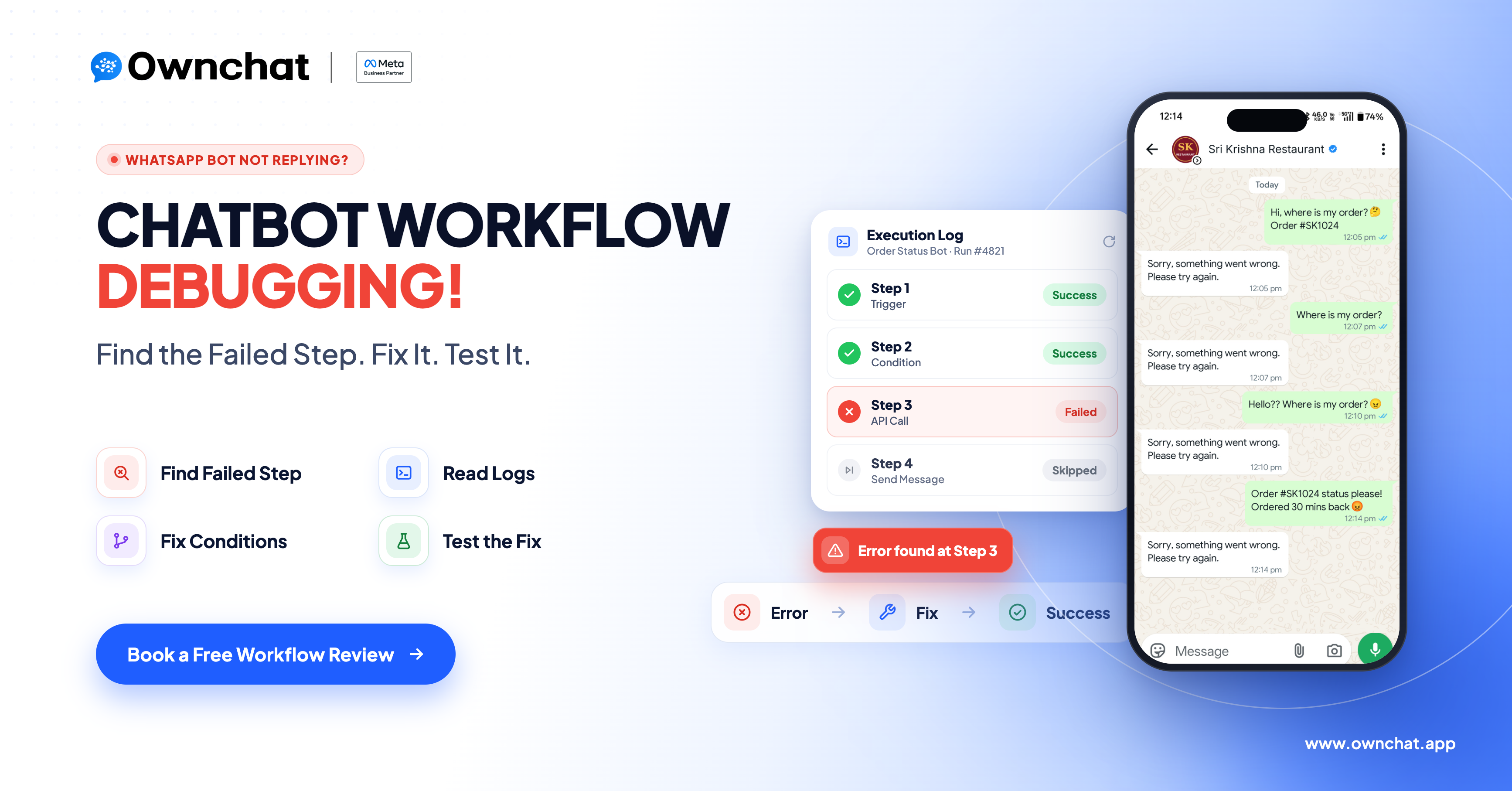
Test representative customer journeys, alternative responses, incomplete information, integration failures, and human handoff.
Use the testing tools available in your workspace and verify the live experience after deployment.
Review and Improve
Evaluate customer conversations and available performance data to identify unclear messages, unnecessary steps, or workflow issues.
Make controlled updates based on observed results and retest the affected journeys.
Frequently Asked Questions
Can I create a chatbot without coding?
Ownchat AI Chatbot Studio is designed to help users create chatbot flows using natural-language requirements. Depending on the use case, additional configuration of integrations, actions, and channel settings may still be required.
What information should I include in my chatbot instructions?
Describe the business purpose, customer journey, questions the chatbot should handle, information it needs to collect, required actions, and situations that require human support.
Can a chatbot use business documents to answer questions?
Knowledge-base functionality is available for supported configurations. The relevant information sources must be connected and configured appropriately, and the resulting answers should be tested for accuracy.
Can I connect Google Sheets to a chatbot?
Google Sheets operations can be used where the relevant integration and actions are supported and configured. Verify the specific operation required, such as reading or recording data, before designing the workflow around it.
Can a chatbot transfer conversations to a human?
Human handoff can be incorporated where the relevant conversation assignment functionality is available. Configure the intended assignment rules and test the handoff before deployment.
Which messaging channels can I use?
Channel availability depends on the Ownchat product configuration and the supported features for the intended workflow. Confirm the available channel options and any channel-specific limitations before publishing.
Can I use a chatbot for order processing or inventory checks?
These workflows require the relevant business data, integrations, and supported actions. A chatbot should not claim to have checked stock, confirmed an order, or completed a transaction unless the configured system has actually performed that operation.
Does an AI chatbot replace human support?
Not necessarily. Chatbots can assist with routine questions and configured workflows, while human teams remain important for complex issues, special requests, and situations requiring individual judgement.
Conclusion
Creating a chatbot begins with understanding the customer journey and translating business requirements into a clear, structured workflow.
Ownchat AI Chatbot Studio helps businesses approach chatbot creation through natural-language requirements and configured conversation flows. AI Agent capabilities, knowledge-base functionality, integrations, and human handoff can support different customer experiences when the relevant features are available and configured.
The effectiveness of a chatbot depends on more than AI alone. Clear instructions, reliable business information, suitable integrations, appropriate escalation rules, and thorough testing all contribute to a better customer experience.
Start by identifying one recurring customer problem, define the outcome you want to achieve, and build a chatbot workflow around that requirement.
Ready to Build Your AI Chatbot Without Coding? See how OwnChat AI Chatbot Studio can turn your business requirements into a structured chatbot flow, with AI Agents, knowledge base, Google Sheets integration and human handoff. Book a personalised demo and our team will walk you through a setup built around your customer journey. Book a free demo